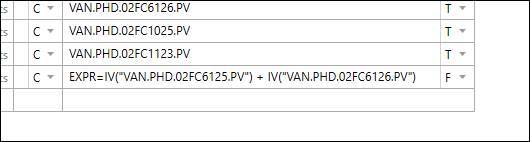
Purpose: Use a formula to calculate the property value of an asset instance.
Task: Build a formula that calculates a property value, then apply the formula to the property.
Steps:
Select an asset that has a property that will be supplied by a formula.
Set the source of the property value to Formula.
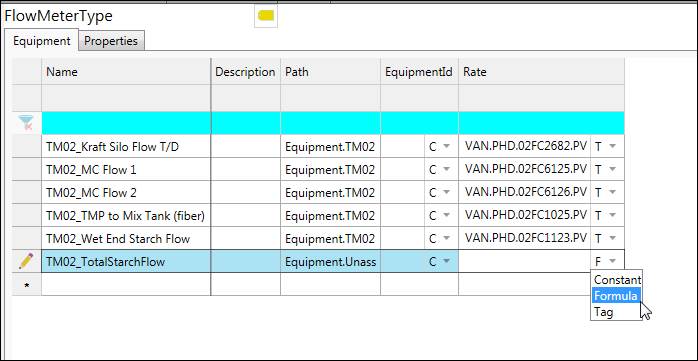
Manually enter or copy/paste in “EXPR=” followed by an expression. See Expression Reference.