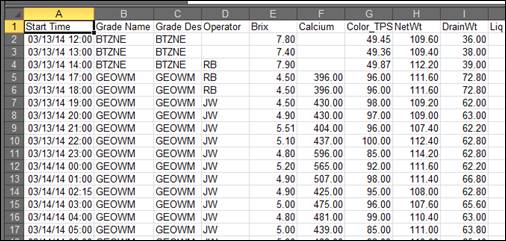
Purpose: Practice exporting data from an MDE display to Excel.
Task: Export the MDE data to an Excel file in your user folder.
Steps:
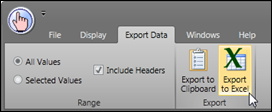
On the Export Data tab, click the Export to Excel button.
Save the file to your user folder.
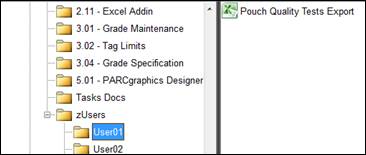
In PARCview Explorer, navigate to your user folder and open the Excel file.