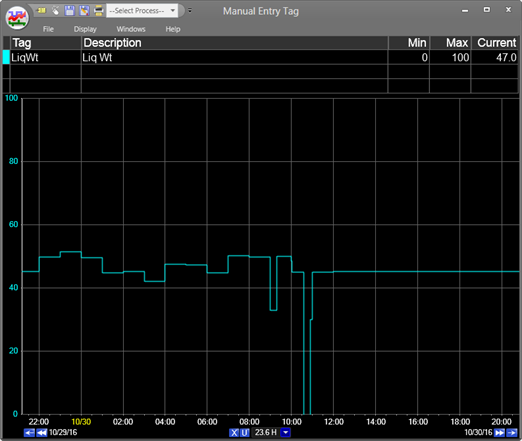
Purpose: Practice launching Trends from an MDE display.
Task: Launch a trend of an MDE tag.
Steps:
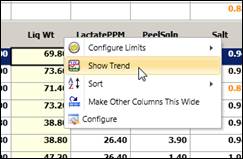
Right-click the tag column header and select Show Trend.
Note that the time span of the Trend matches the time span of the MDE display (the difference between start time and end time filters).