Purpose: Practice responding to an open entry.
Task: Respond to an open entry and leave the thread open, and then end the thread with a closing entry.
Steps:
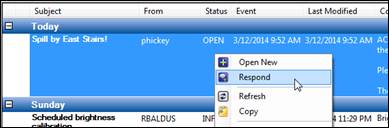
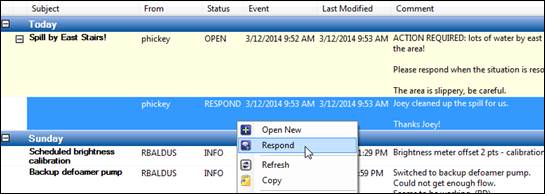
Locate an entry with an “open”-type status (tip: filter entries by OPEN status, see Search for Entries). Right-click on it and select Respond.
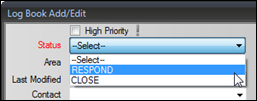
Select a status of RESPOND.
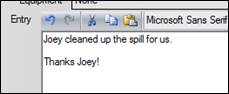
Enter text in the Entry field.
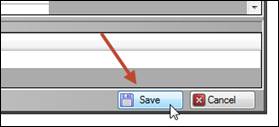
Click Save in the lower right of the window.
Right-click the new entry and select Respond.
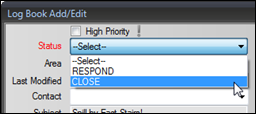
Select a status of CLOSE.
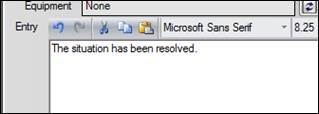
Enter text in the Entry field.
Click Save in the lower right of the window. The thread changes color when it is closed.
