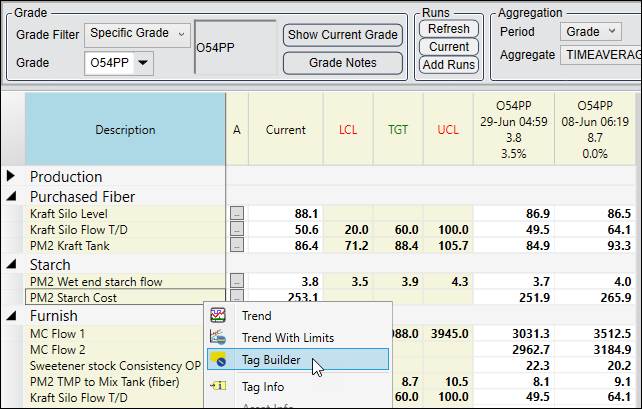
Tag Builder can be opened from the right-click menus of Tag Browser, Trend, and Centerline displays.
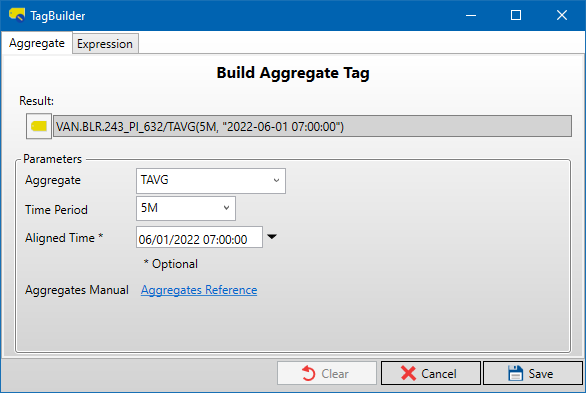
Clear: If Tag Builder was opened by selecting a tag with a tag switch currently applied (other than /PLOT on a trend), then the Clear button will remove the tag switch and close Tag Builder.
Cancel: Close Tag Builder without applying changes.
Save: If Tag Builder was opened by selecting a tag with a tag switch currently applied (other than /PLOT on a trend), then the Save button will update the tag switch with any changes that were made in Tag Builder.
Save Calc Tag: On the Rollup and Formula tabs, this will open the Save Calc Tag window, where the current Tag Builder settings will be used to create a new CALC-type tag.
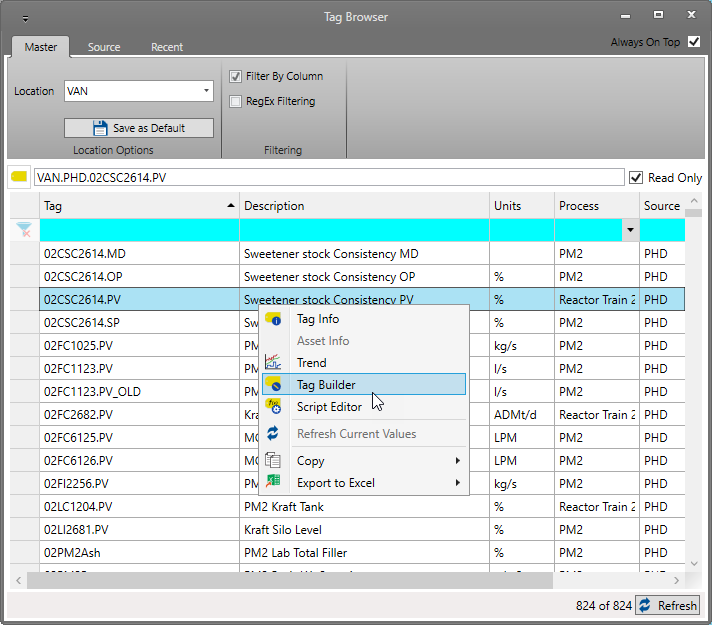
Tag Browser:
Trend:
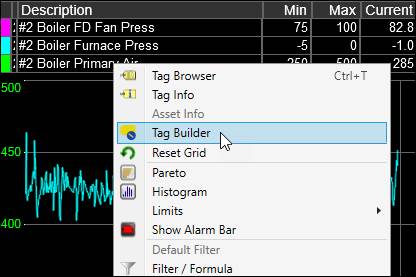
Centerline: