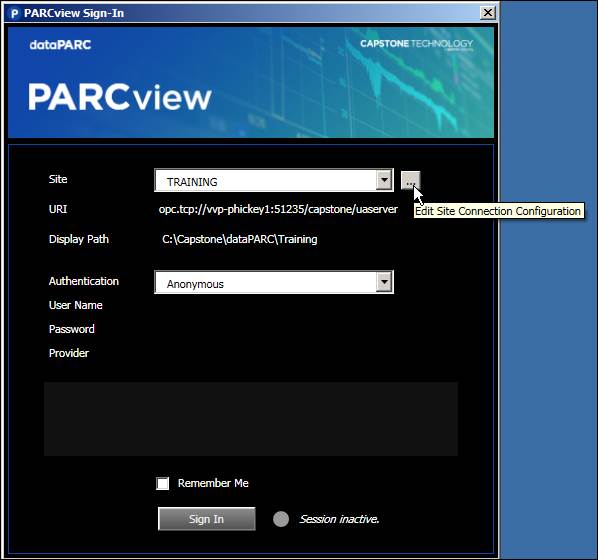
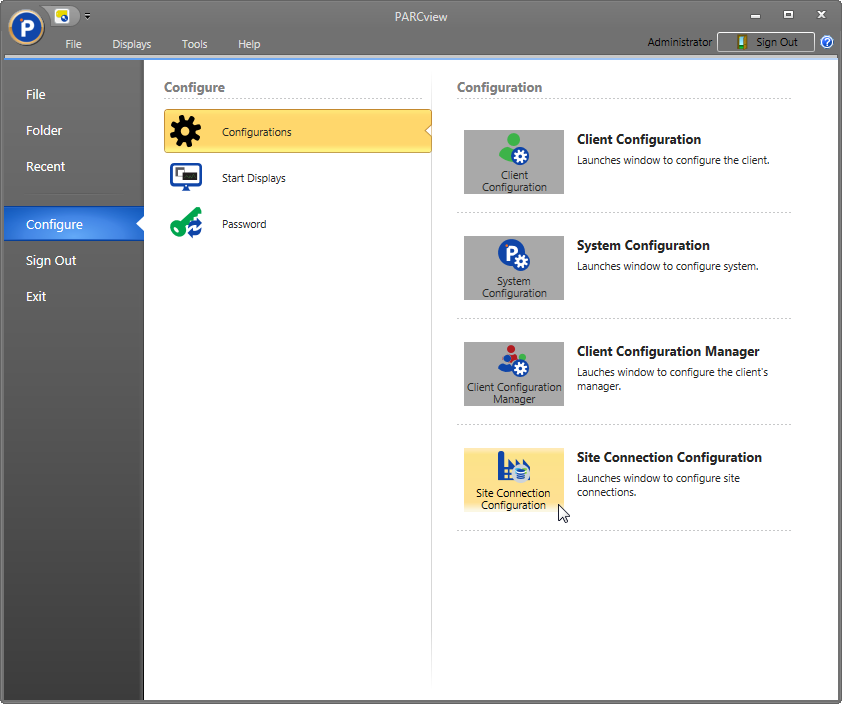
From the PARCview Sign In window, click the ellipsis button next to the Site field to open Site Connection Configuration.From within PARCView, click the application button, select Configure, then select Site Connection Configuration.