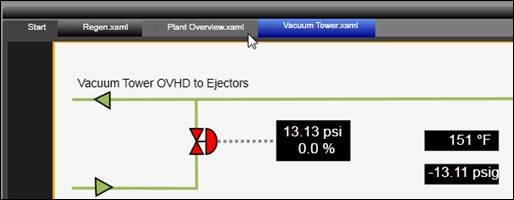
The Designer Canvas area contains all the elements of the display.
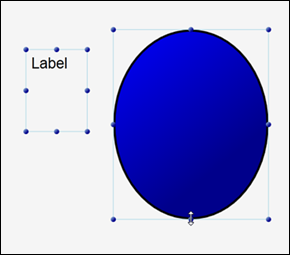
Click a control to select it. Alternatively, click and drag a selection window over the target element.
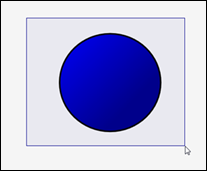
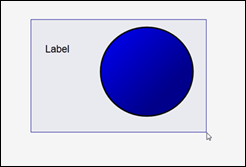
To select multiple controls, click and drag a selection rectangle (lasso) over the target elements. By default, any elements contained within or intersecting the selection rectangle are selected. If the CTRL key is held down, only elements completely contained within the selection rectangle will be selected.
Alternatively, clicking on controls while holding the CTRL or SHIFT keys adds them to the selection.
With multiple controls selected, move or resize any control in the selection to manipulate all of the controls.
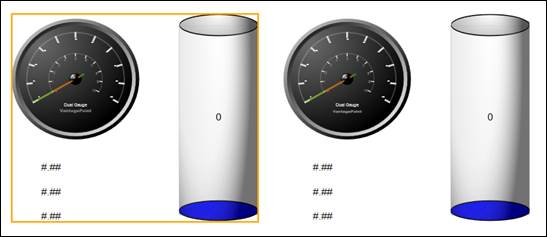
New documents contain only a base canvas layer, but additional sub-canvases can be added, typically by grouping controls together into their own layer. Only one canvas (or layer) can be edited at a time. The active edit layer is indicated by an orange border.
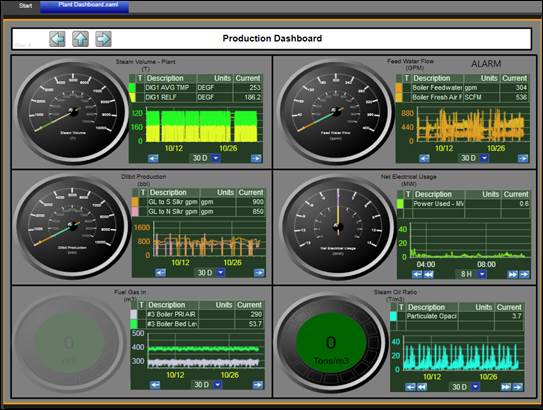
When multiple displays are open for editing, use the tabs to switch between displays.