The Asset Hierarchy interface shows the asset tree and whichever secondary window is selected in Options. Build the asset tree by arranging assets into a hierarchical structure.
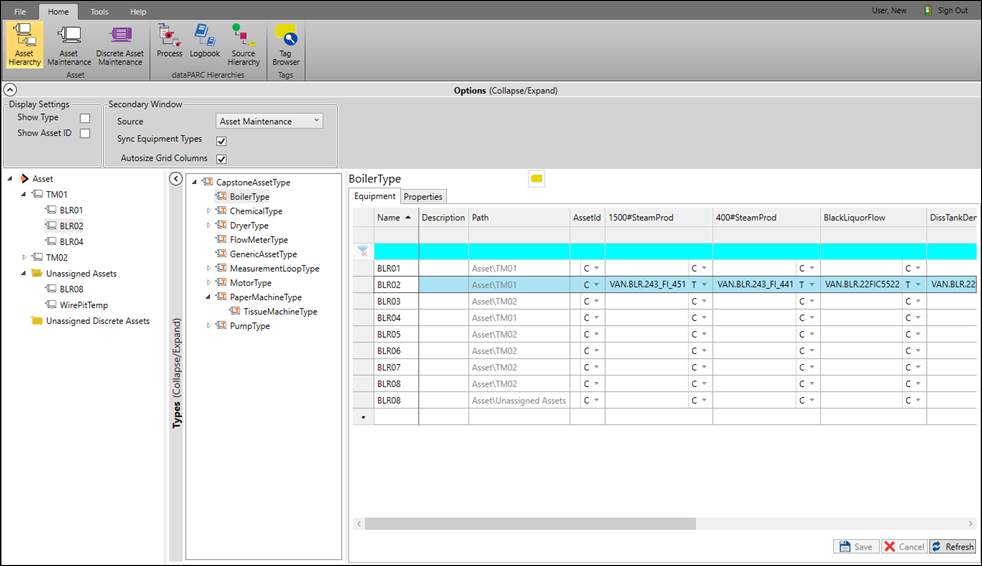
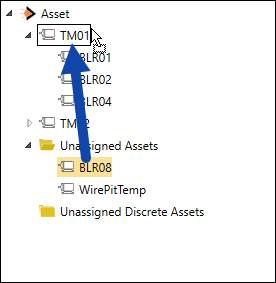
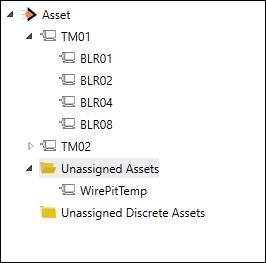
Drag and drop assets to build the asset tree directly in the tree panel, or use the Asset Maintenance secondary window.
Double-clicking an asset will launch a Trend of all the asset’s properties.