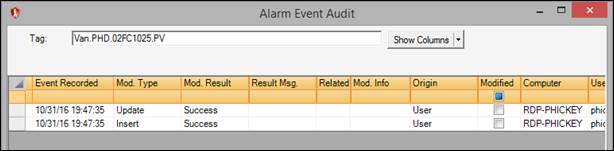
Purpose: View the audit information for a saved and acknowledged event.
Task: In a Trend display that contains tags with acknowledged alarm events, view an acknowledged event’s audit record.
Steps:
Open a Trend that contains tags with acknowledged (green) alarm events.
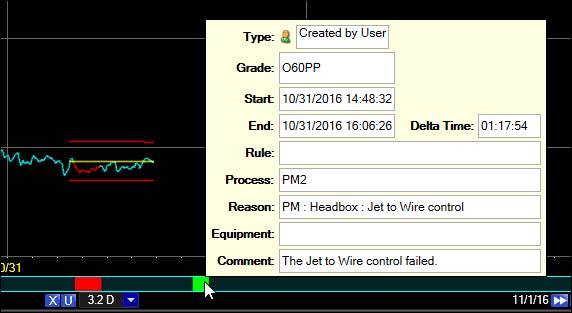
View the details of an acknowledged event by left-clicking on the alarm event.
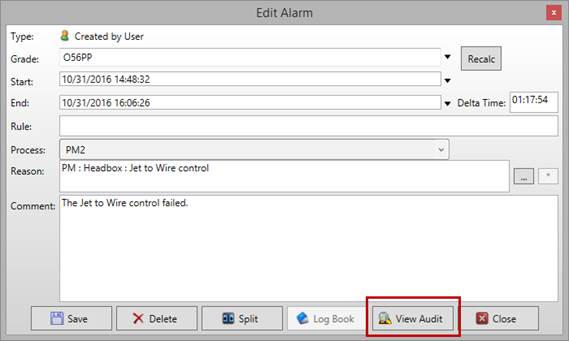
In the Edit Alarm window, click the View Audit button.
The audit report will indicate when the event was created, when it was modified, and the origin of the event.