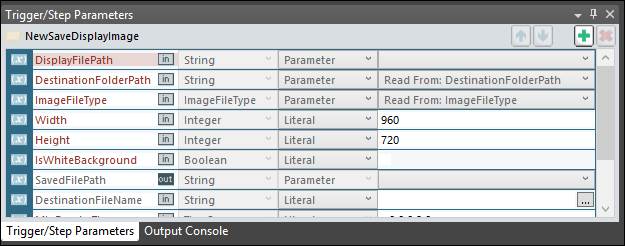
The Trigger/Step Parameters Panel shows a list of Parameters for the selected trigger or step. Each type of trigger or step will have a set of pre-configured parameters. The input type and value for each parameter can be set in either the Trigger/Step Parameters panel or the Properties Panel.
Move Up/Down: Changes the position of a parameter in the list.
Add Parameter: Adds a blank parameter to the list.
Delete Parameter: Removes a parameter from the list.