Use the Permissions interface to configure the actions that users are allowed to take.
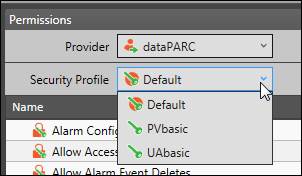
First, select the Security Profile to configure.
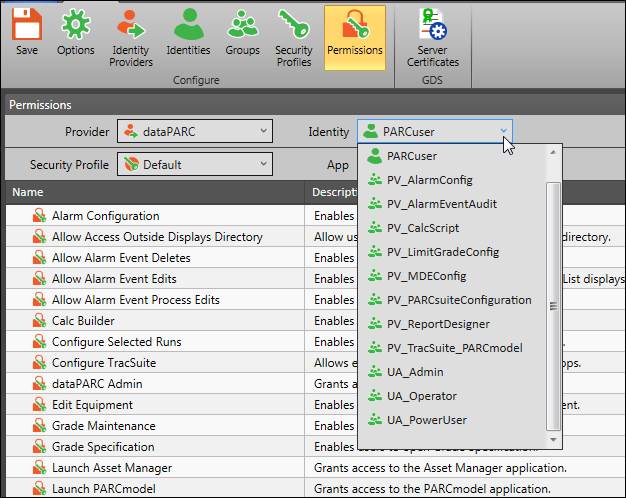
Next, select an identity provider, then select an identity from the provider’s identity list.
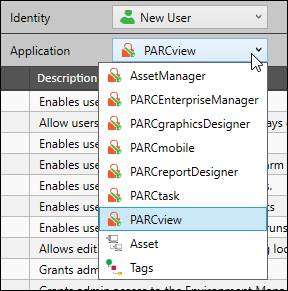
Then, select a dataPARC application, Assets, or Tags.
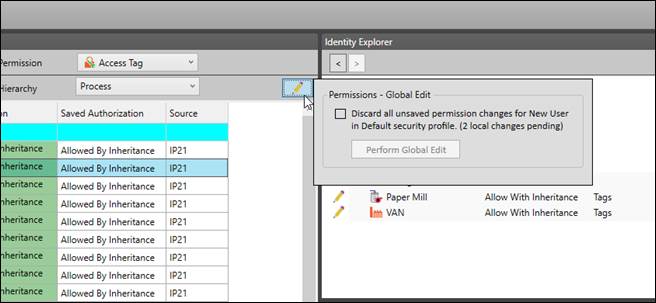
Permissions – Global Edit
To undo any unsaved changes to permissions, click the pencil icon button, then check the box and click Perform Global Edit. The Identity Explorer shows pending changes.