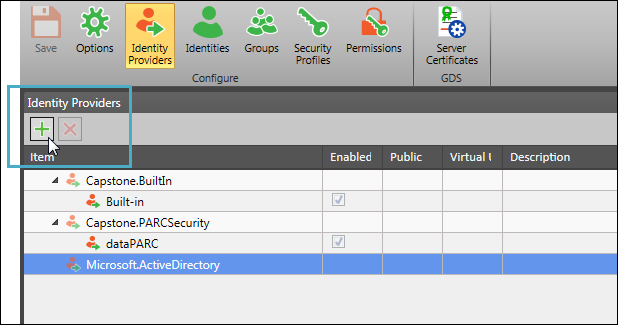
Select an identity provider type: Capstone.BuiltIn, Capstone.PARCSecurity, or Microsoft.ActiveDirectory. Next, click the plus button to create a new provider.
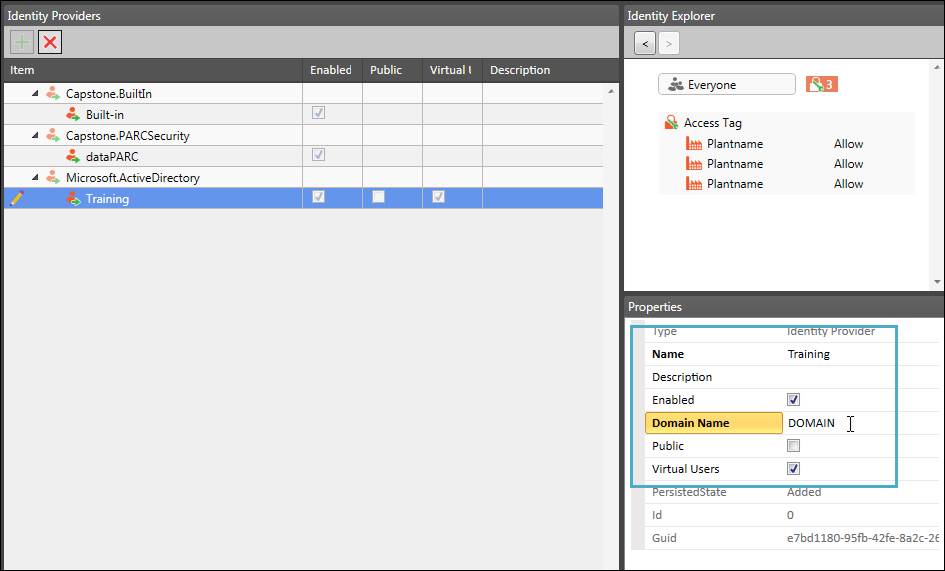
Make sure the new provider is selected in the item grid, then on the Properties panel, fill in a Name and Description (optional). For Active Directory type providers, supply the domain name and choose whether to make the provider public and whether to allow virtual users.