Tag Info can be opened from the Tag Browser or active displays.
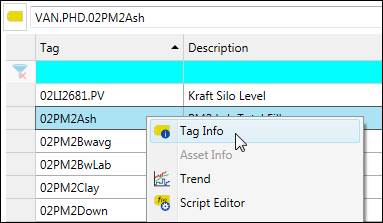
To open Tag Info in the Tag Browser, right-click on a Tag and select Tag Info.
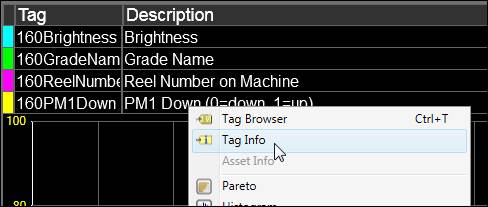
To open Tag Info from a display, for example a trend, right-click on the tag and select Tag Info.
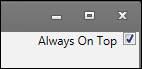
Always On Top
By default, the Tag Info window will be topmost over other windows so that it will not go behind when dragging and dropping tags out of the window. Uncheck Always On Top to disable this behavior.