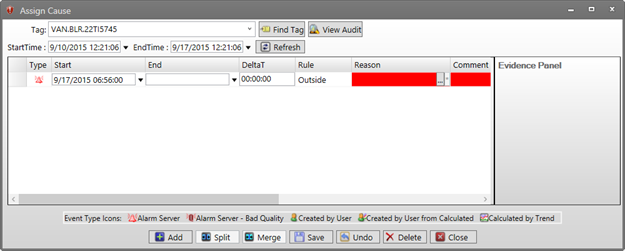
The Assign Cause Window can be opened from Trend and Centerline displays.
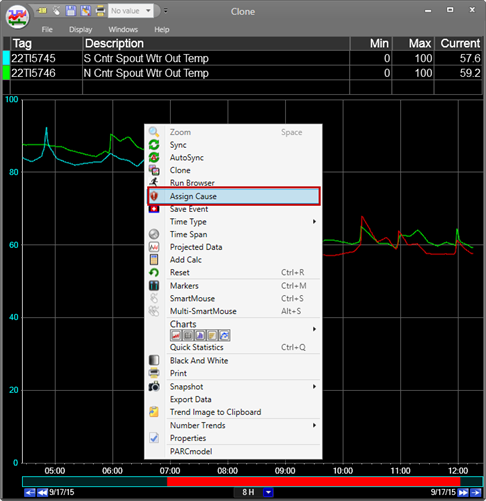
In a trend, right clicking in the plot menu and clicking Assign Cause opens the Assign Cause window.
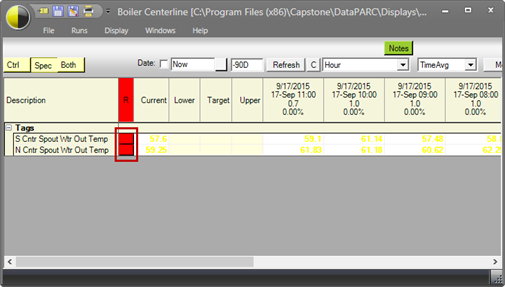
In a Centerline display, clicking on the button in the reason (R) column will open the Assign Cause window.
After clicking either button, a window for a selected tag will appear. From trend, the Assign Cause window will default to showing Alarms from the first tag in the Tag Info Grid. If a tag has been selected by clicking a tag in the trend grid, then that tag will be shown. In Centerline, the tag that will appear is the tag from the reason button that was clicked.