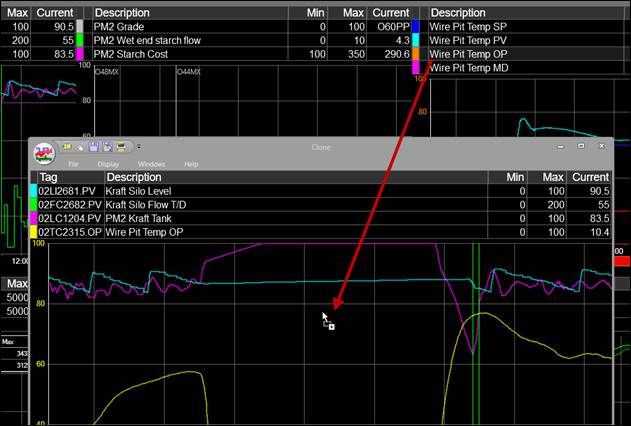
Purpose: Practice cloning a Trend and then adding more tags to it.
Task: Make a clone of a Trend and drag in tags from another Trend.
Steps:
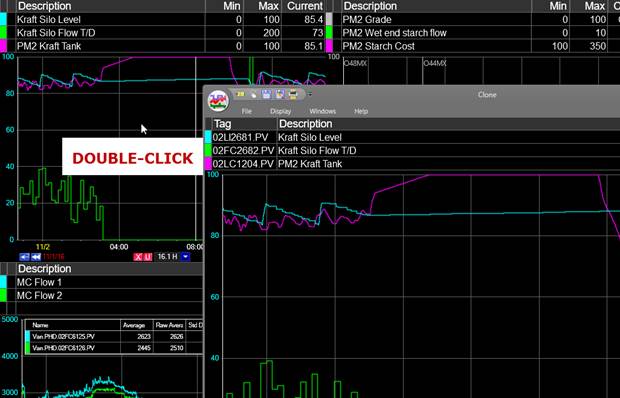
Double-click the plot area of one Trend in a MultiTrend (note: this works for single Trends, too). Notice that the cloned Trend stays on top.
Left-click and hold other tags and drag them onto the cloned Trend. Drop them (lift up the left mouse button) to add them to the Trend.