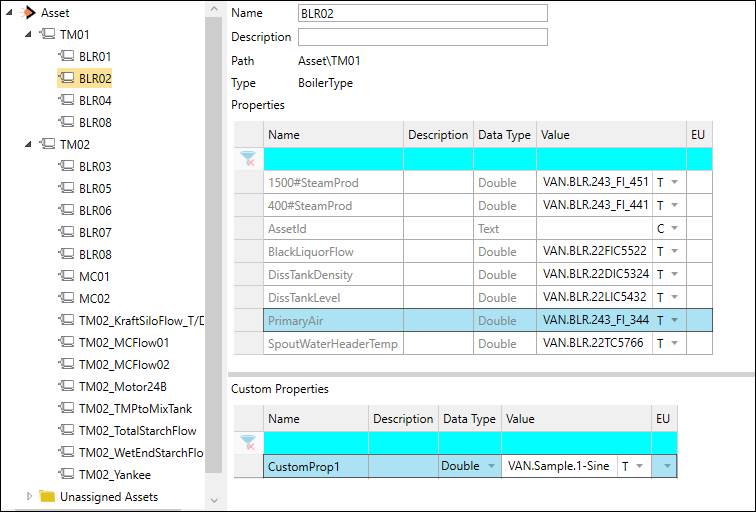
The Asset Detail secondary window provides a different view into an asset’s properties, as well as the ability to define asset-specific custom properties.
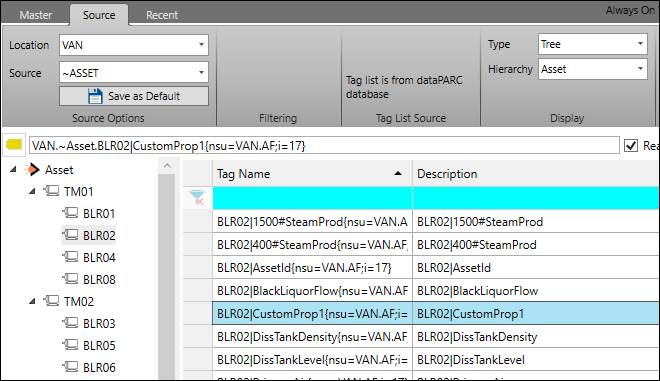
The name, description, and property values of an asset can be modified here. Any custom properties that are defined will appear in Tag Browser.