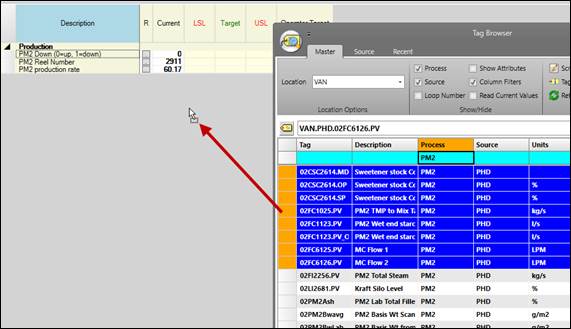
Purpose: Customize an existing Centerline display by adding more tags from the same process area.
Task: Open an existing Centerline and save a copy to your user folder. Determine the process area of the tags in the Centerline. Add more tags to the Centerline from that process area.
Steps:
Open an existing Centerline.
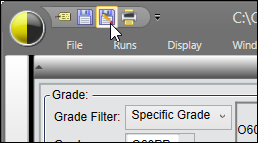
Click Save As and save a copy to your user folder.
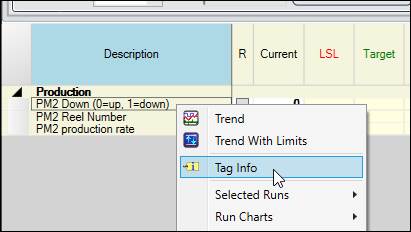
Right-click one of the tags in the Centerline and select Tag Info.
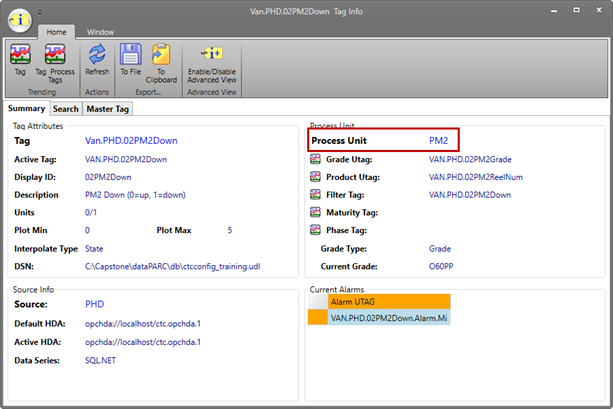
Locate the Process Unit of the tag. Remember this value.
Open Tag Browser, make sure the Master tab is selected, and enter the tag’s process area in the Process column filter.
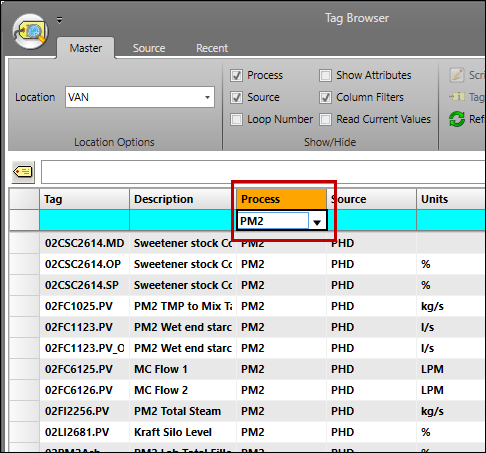
Drag some of the tags onto the body of the Centerline. If prompted to “Use this tag’s process area”, click No.