

PARCreport Parameter Editor
- 01 Feb 2024
- Print
- PDF
PARCreport Parameter Editor
- Updated on 01 Feb 2024
- Print
- PDF
Article summary
Did you find this summary helpful?
Thank you for your feedback!
The PARCreport Parameter Editor is used to manually create parameters for a picklist in the report. Using a Query Template from System Configuration to create a picklist is the recommended way to create picklists.
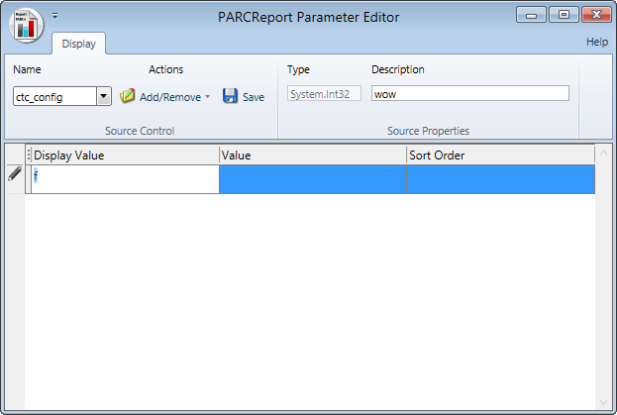
Ribbon Bar
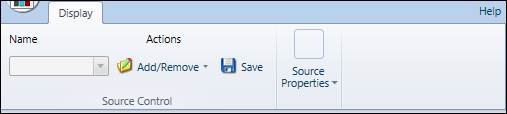
Name: The name of the source.
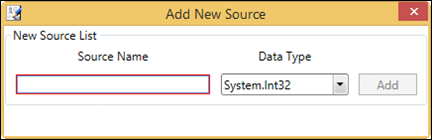
Add/Remove: Opens a window to add or remove a source.
Save: Saves the source and the parameters.
Type: The data type of the parameters.
Description: A description of the source.
Parameter Grid

Display Value: The value that will display in the picklist.
Value: The actual value assigned to the display value.
Sort Order: The order in which the value will appear in the picklist. Lower numbers will appear at the top.
Was this article helpful?