

Launch Linked Trends
- 06 Feb 2024
- Print
- PDF
Launch Linked Trends
- Updated on 06 Feb 2024
- Print
- PDF
Article summary
Did you find this summary helpful?
Thank you for your feedback!
Purpose: Launch linked Trends from Centerlines.
Task: Find a Centerline that has linked Trends configured. Select a linked trend and launch it from a data column.
Steps:
Find and open a Centerline that has linked Trends configured. See Centerline configuration.
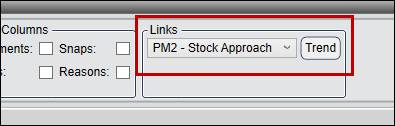
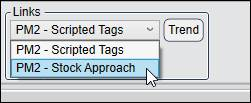
Open the linked trend drop-down menu and select a Trend.
Right-click on a data column header and select Trend.
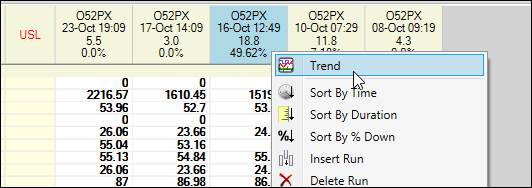
The selected Trend will launch with data loaded for the column’s time period.
Was this article helpful?